MemoryKeep
Back up memories to storage you own.
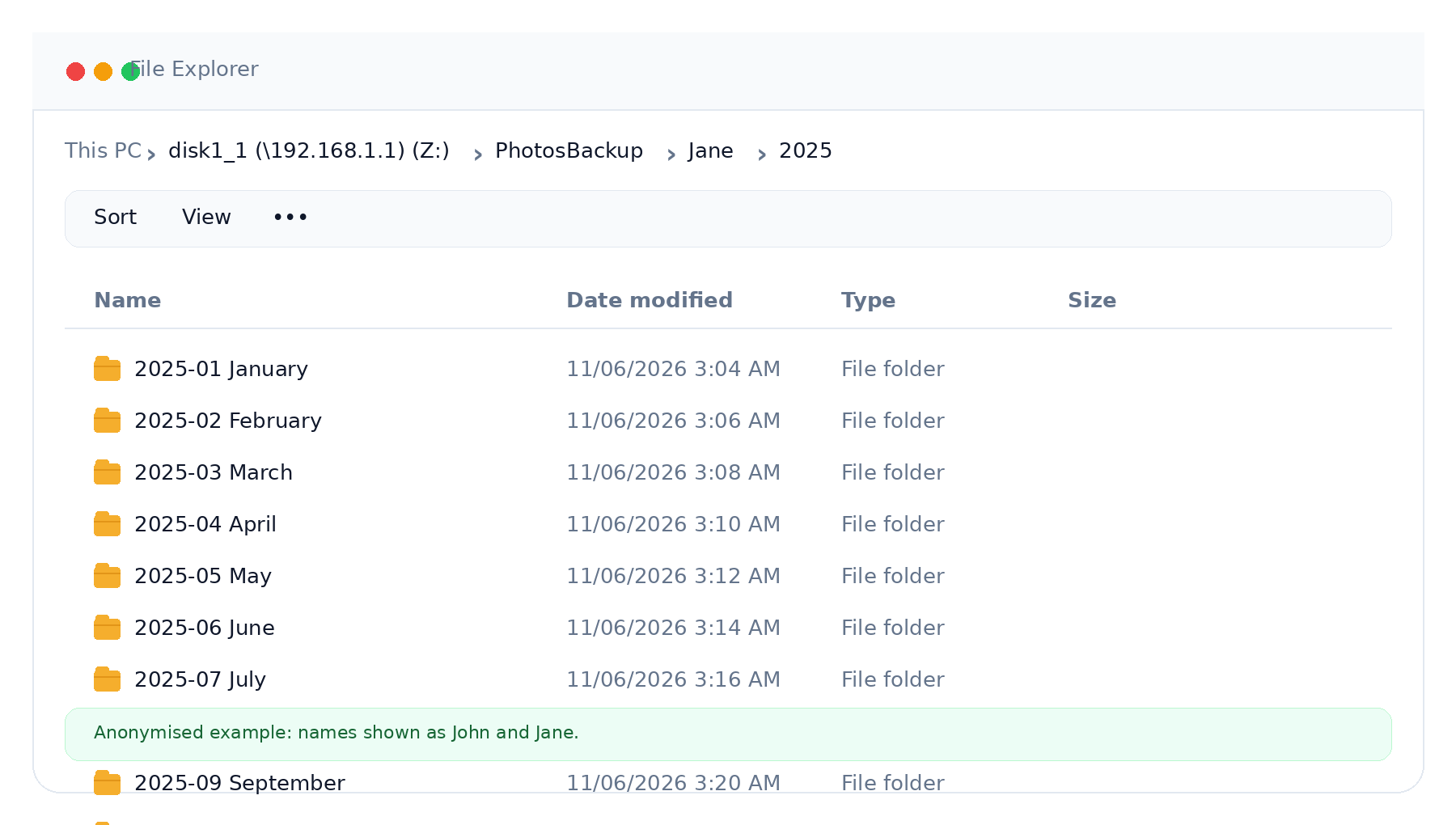
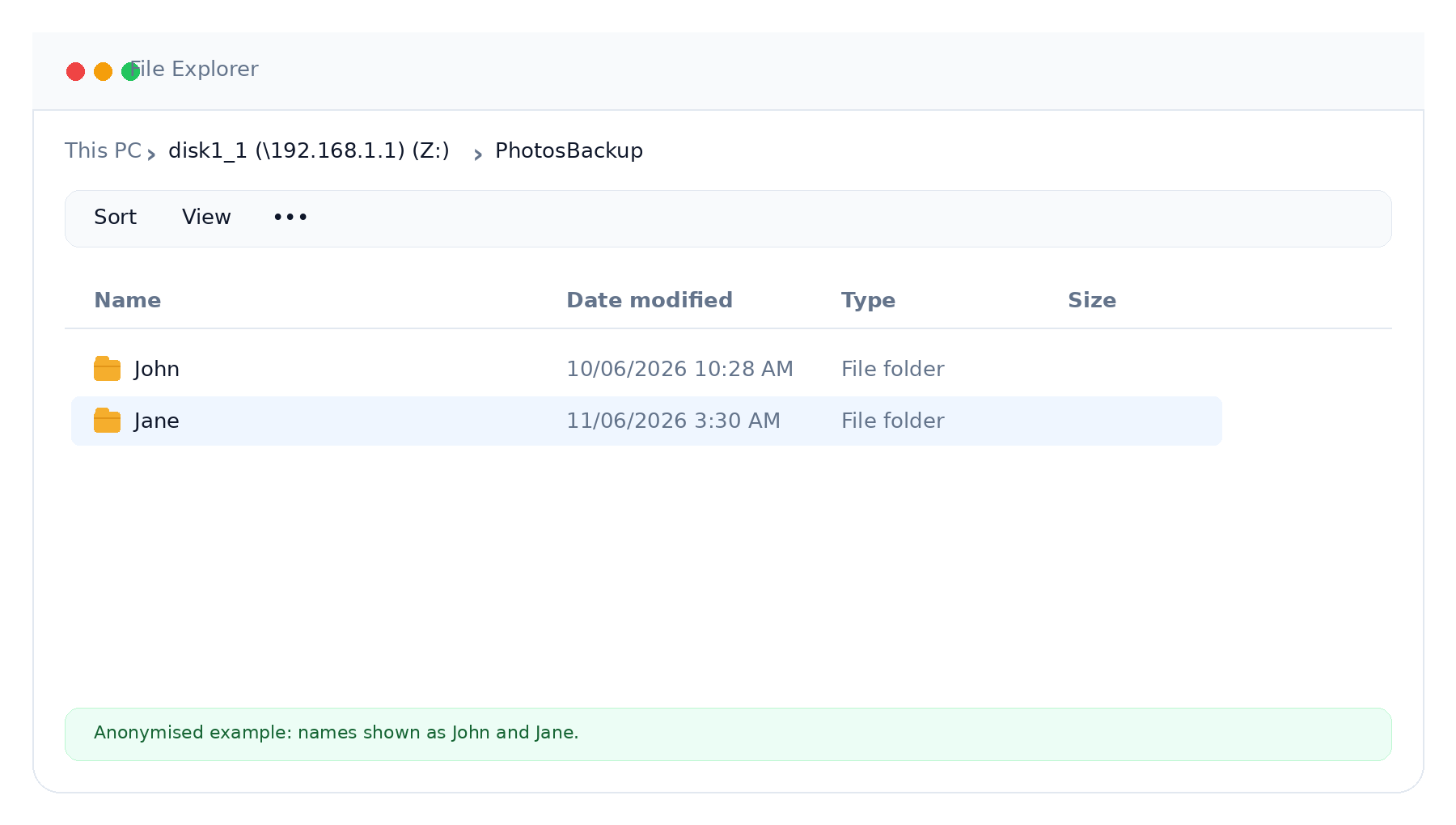
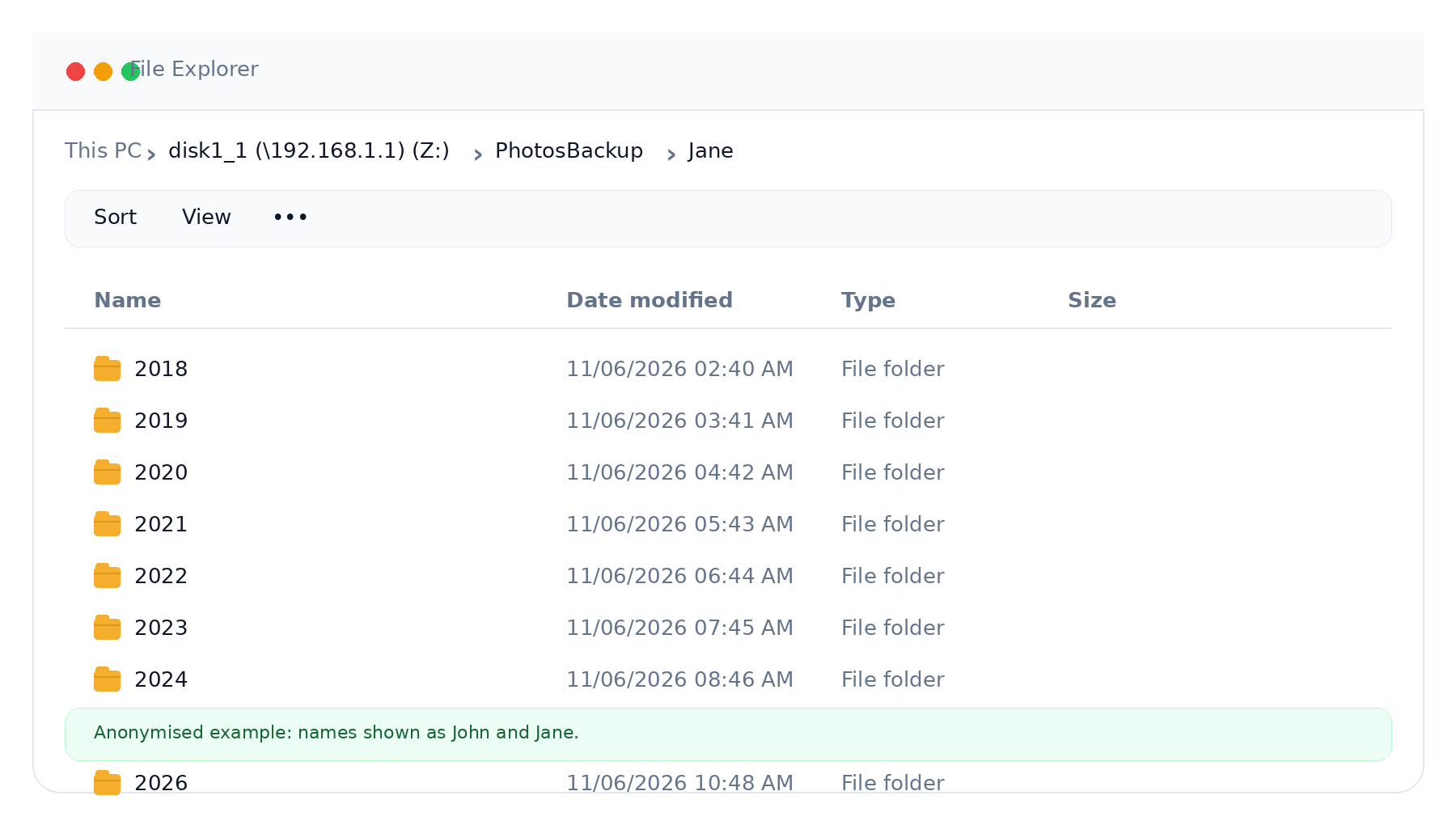
MemoryKeep is being built to automatically back up iPhone photos and videos to your NAS, home server or drive. Organised by year and month. Verified after backup. No mandatory cloud account.
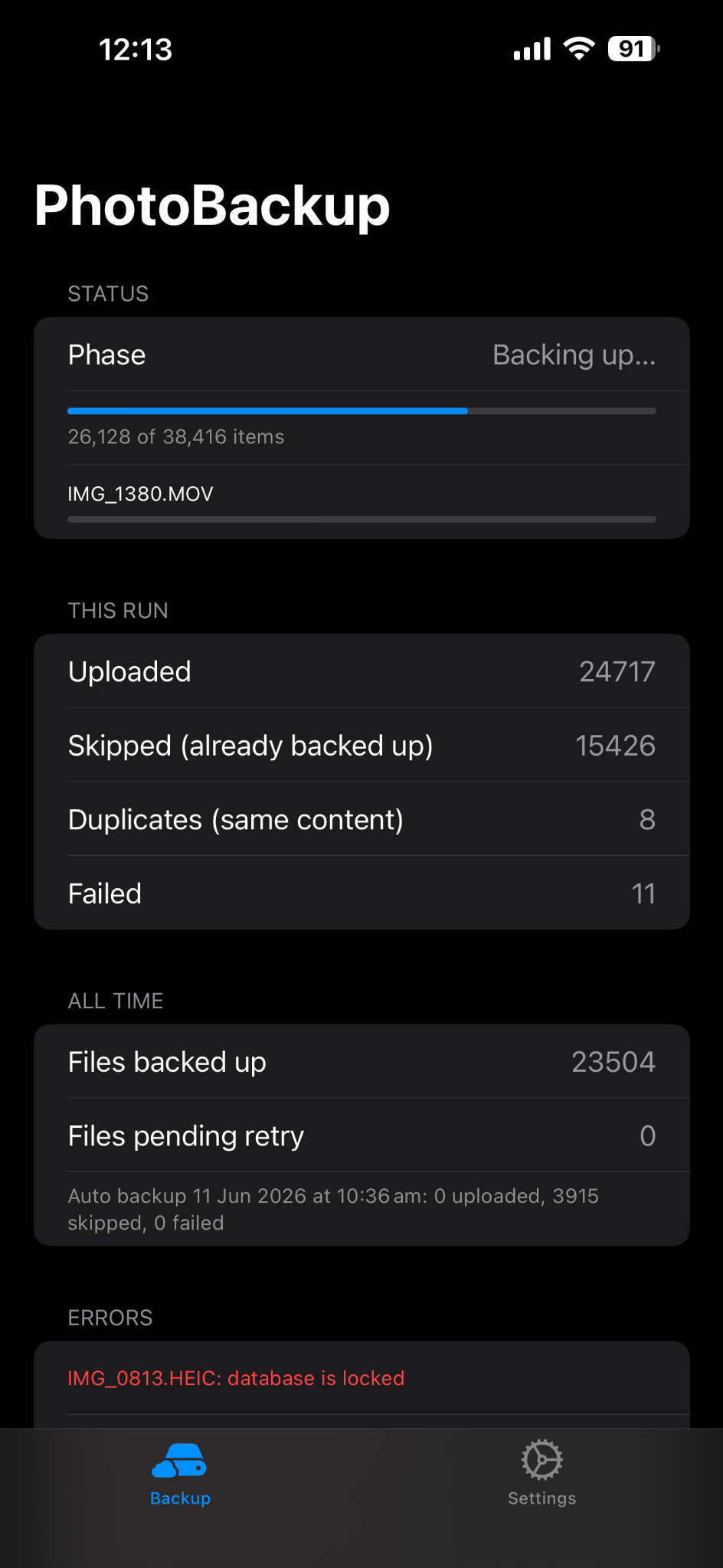
iPhone app
Your storage
NAS, SMB share, server or drive
2026
Organised
2025
Organised
2024
Organised
How it works
A simple backup flow for everyday users.
The first release is planned around a clear flow: choose storage, connect on your local network, back up, verify and keep your library organised.
iPhone
Your home
Your storage
NAS or SMB
Your storage
Organised
Choose your storage
Use a NAS, home server or local drive where you want your photo library to live.
Back up locally
Transfer over your local network where possible instead of relying on a mandatory cloud route.
Verify the transfer
Every file is checked after backup, so you can trust what was copied before you free up space.
Stay organised
Arrange memories into predictable year and month folders that remain easy to browse.
Product promise
Made for people who want a private copy of their memories.
MemoryKeep is not trying to replace every photo app. Its job is focused: help you keep a reliable, organised backup of your photos and videos on storage you control.
No mandatory cloud
Keep a private backup without being pushed into someone else's cloud.
No recurring subscription required
Designed around pay-once ownership, not another forced subscription.
Portable by design
Organised folders make your archive easier to understand outside the app.
Private defaults
Minimal accounts, minimal data collection — and you stay in control.
Storage targets
Built for real homes, not just ideal setups.
The focus is practical home storage. The final compatibility list will be published before launch.
NAS
For users with a Synology, QNAP or similar network storage setup.
Home server
For people running a small server or always-on computer at home.
Router drive
For simple home storage attached to supported network equipment.
Local drive
For straightforward backups to storage attached to a trusted device.
FAQ
MemoryKeep questions
Is MemoryKeep available today?+
Not yet — MemoryKeep is in active development. Join the waitlist and you will be the first to hear when it is ready to try.
Will MemoryKeep require a cloud account?+
No. MemoryKeep is local-first and built around storage you own. If optional online features ever arrive, they will stay exactly that — optional.
What storage will it work with?+
MemoryKeep is being built for practical home storage: NAS devices such as Synology or QNAP, home servers, router drives and local drives. The final compatibility list will be published before launch.
Why not just use a cloud photo service?+
Cloud services are convenient, but you rent them forever and your photos live on servers you do not own. MemoryKeep keeps a private, organised copy on storage you already own.
Join the MemoryKeep waitlist.
Get updates as the product moves from development toward launch.